
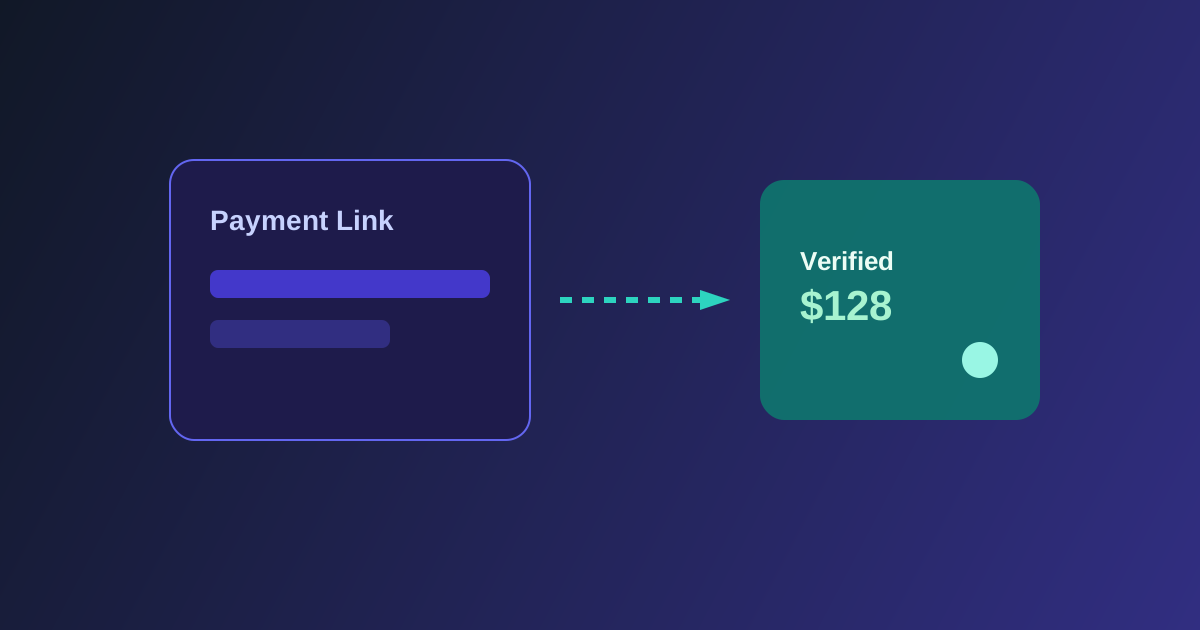
Why Payment Links break naïve analytics
A Stripe Payment Link opens on buy.stripe.com (or similar). That cross-domain hop drops a lot of what marketers expect from site pixels and referrer-based tools.
If you only paste a raw Payment Link into a YouTube description, Stripe still gets paid — but your content dashboard often sees an orphan sale.
Carry an identifier across the hop
Stripe Payment Links accept parameters such as client_reference_id. When you append a stable click or link identifier before redirecting the buyer, Stripe can echo that value on checkout.session.completed.
Your attribution system stores the click first, then matches the webhook event back to the content that earned it — without replacing your existing checkout UX.
Connect is the verification layer
For a multi-creator or self-serve product, Stripe Connect lets the platform listen for connected-account checkout events. That is how verified purchases show up without asking creators to paste webhook secrets by hand.
The creator keeps selling the way they already sell. The tracking link is the only new habit.
What “good enough” looks like
Aim for deterministic matches when the buyer used your tracked link, plus careful soft matching only when destination affinity still points at the same offer. Reject unrelated Payment Links on the same Stripe account so organic sales do not steal credit.
That balance — not too harsh, not too soft — is what makes revenue dashboards trustworthy.